Completing Integration

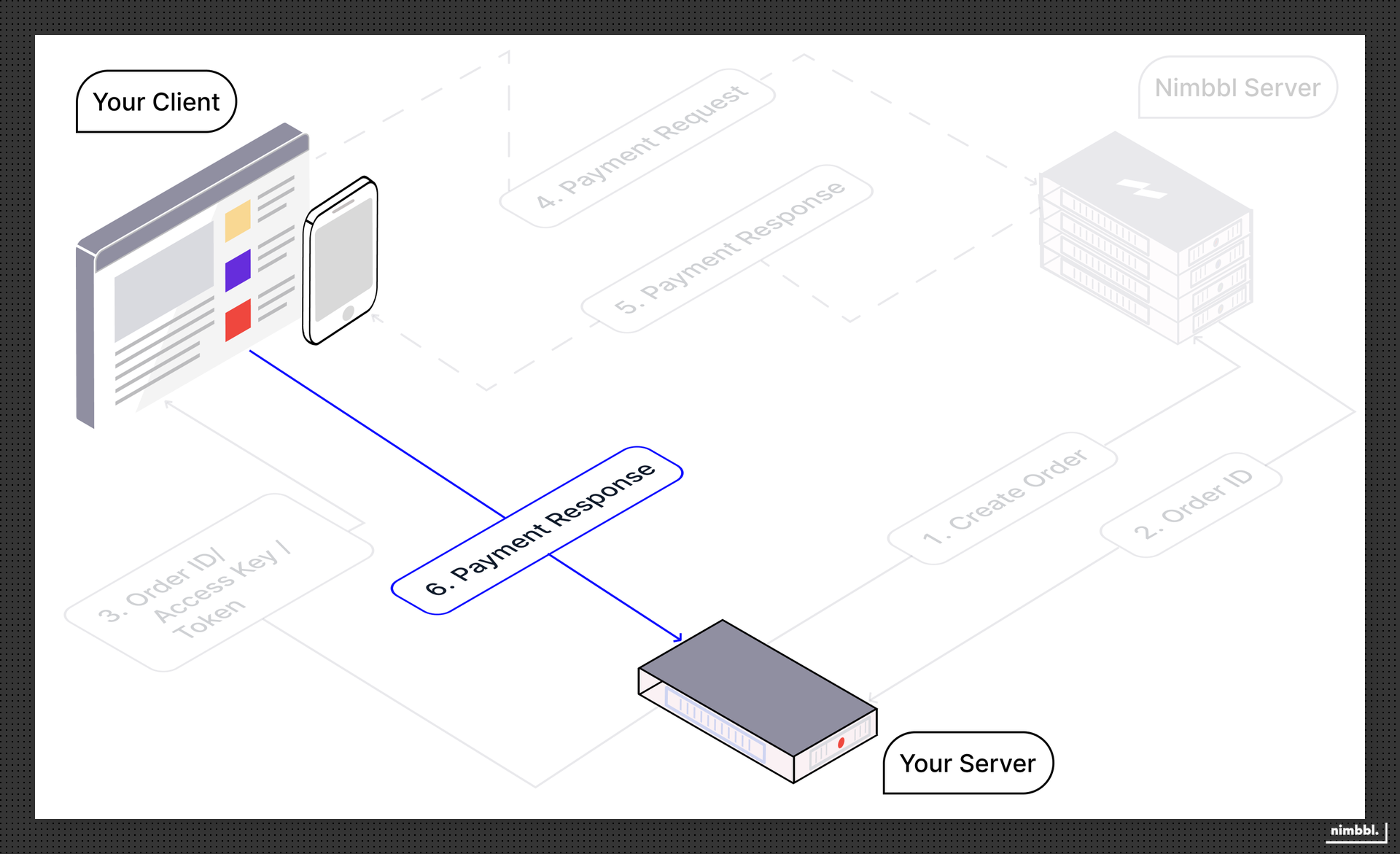
After completing the flow on the client side, your server needs to manage a few more things to complete your integration. Your client should forward the response received from the Standard Checkout to your server so you can decide what to do with the transaction. These steps are extremely important to protect your business and a lot of care should be taken in developing the logic to mark an Order as paid on your side.
Understanding the Response
The response received from your client includes the following information. Please familiarise your self with the fields so that it's easy for you to understand the next steps that need to be taken to process the response on your server.
We support both encrypted and decrypted responses.
Unencrypted Response
This is the v3 checkout callback payload — a plain, unencrypted globalHandleCheckoutResponse event carrying the full transaction and order objects. For the complete annotated JSON, field-by-field descriptions, and how it differs from the current v4 checkout callback, see Checkout Callback (open the v3 tab).
Encrypted Response
If your account has payload encryption enabled, you receive an encrypted_response (and sub_merchant_id) instead — decrypt it with your AES-GCM key to get the same unencrypted payload shown above. See Checkout Callback (v3 tab, Encrypted payload) for the exact wrapper shape, and Using Encrypted Payloads for decryption steps and code.
Processing the Response
If your checkout_callback_version is v4, this payload.status / payload.transaction.status / payload.order.status matrix does not apply — v4 has no payload.status field at all. Use the checkout_status / reason / retry decision table on Checkout Callback (v4 tab) instead.
Depending on the response received, you can determine your next action as detailed in the table below. Where the recommended action is to Validate the response signature, please click on the link and follow the steps in validating the signature. This is an extremely important step to protect yourself from tampering fraud.
Response Status, Transaction Status, and Order Status below map to payload.status, payload.transaction.status, and payload.order.status on the Checkout Callback (v3 tab) payload shown above.
| Response Status | Transaction Status | Order Status | What does it Mean? | Next Action | How to try another Payment? |
|---|---|---|---|---|---|
success | succeeded | completed | Order has been successfully paid by the customer | Validate the response signature to check if the signature is matching. If the signature is matching, provide goods or services to your customer | Another payment isn't required as the Order is completed |
authorized | authorized | lapsed | Payment is authorized but not captured — funds are held, not collected. The order is lapsed with lapsed_reason: payment_authorized while the hold awaits a decision | Validate the response signature. Do not fulfill yet — capture or void the payment via the Pre-auth and Capture API (or Command Center). Capturing collects the funds and moves the Order to completed | Another payment isn't required — capture the existing authorization to collect, or void it to release the hold |
failed | null | new | User has cancelled the checkout without attempting any payment. There are more attempts remaining | Nothing needs to be done in this case. Since the transaction wasn't initiated, no need to provide any goods or services | If your user wants to pay again, you can launch the checkout again without creating a new order_id |
failed | failed | pending | User has attempted to pay and the last payment attempt has failed. There are more attempts remaining | Validate the response signature to check if the signature is matching. Since the transaction has failed, no need to provide any goods or services | If your user wants to pay again, can launch the checkout again without creating a new order_id |
pending | pending | pending | User has attempted to pay for the order but no status is available for the last attempt. There are more attempts remaining | Validate the response signature to check if the signature is matching. Since the transaction is pending, no need to provide any goods or services. You can also periodically enquire the status of the transaction or consume webhooks to be updated | If your user wants to pay again, can launch the checkout again without creating a new order_id |
failed | failed | lapsed | User has attempted to pay and the last payment attempt has failed. There are no more attempts remaining | Validate the response signature to check if the signature is matching. Since the transaction has failed, no need to provide any goods or services | Another payment isn't possible on this Order as it is lapsed i.e. no more attempts remaining to pay. A new Order can be created |
pending | pending | lapsed | User has attempted to pay for the order but no status is available for the last attempt. There are no more attempts remaining | Validate the response signature to check if the signature is matching. Since the transaction is pending, no need to provide any goods or services. You can also periodically enquire the status of the transaction or consume webhooks to be updated | Another payment isn't possible on this Order as it is lapsed i.e. no more attempts remaining to pay. A new Order can be created |
Understanding and Handling Edge Cases
Despite the best effort of all parties involved in processing payments, transactions do not always succeed in real time and there may be rare scenarios where we have returned the Transaction Status as pending. Similarly, there may be instances where your server is unable to get the response from your client.
For a detailed explanation of all payment states, why transitions happen, the authorization confirmation period, and how reversals work, see the Payments guide. For order states and transitions, see the Orders guide.
In all of these edge case scenarios where you are unable to get the response from your client or have received a pending status or the status has changed at a future time, there are APIs and webhooks that can be configured so you can always keep your system up to date — see Webhook Payloads and Transaction Enquiry
Performing Refunds
The final piece of integration work that you need to complete is to decide how you want to process refunds when your customer returns the goods or cancels their order. The linked document provides all the options that you have and how to proceed with the integration.
For refund states, transitions, and processing timelines, see the Refunds guide.
APIs and webhooks can be configured for refund transactions as well, so you can always keep your system up to date — see Webhook Payloads and Transaction Enquiry