Login
Login is how you access Command Center. You need the email that was invited or registered for your merchant or partner organization and a valid password. If you have not set a password yet, use the link from your welcome email to create one (see Set Password). After a successful login, you are redirected to your default operational area -- typically Orders.
Before You Log In
Make sure you have the following:
- Email -- The address associated with your Command Center account. This is the email your organization admin used when adding you.
- Password -- Set during onboarding or via a password reset link. If you have not set one, check your email for a Set Password link.
If your account has not been created yet, contact your organization admin to send you an invitation.
Step-by-Step: Log In
- Go to the Command Center Login page.
- Enter your Email and Password.
- Select Get Started.
- On success, you are redirected to Orders (or your default landing area).
If you do not remember your password, select Forgot Password? on the Login page or go directly to Forgot Password to request a reset link. After setting a new password, return here to log in.
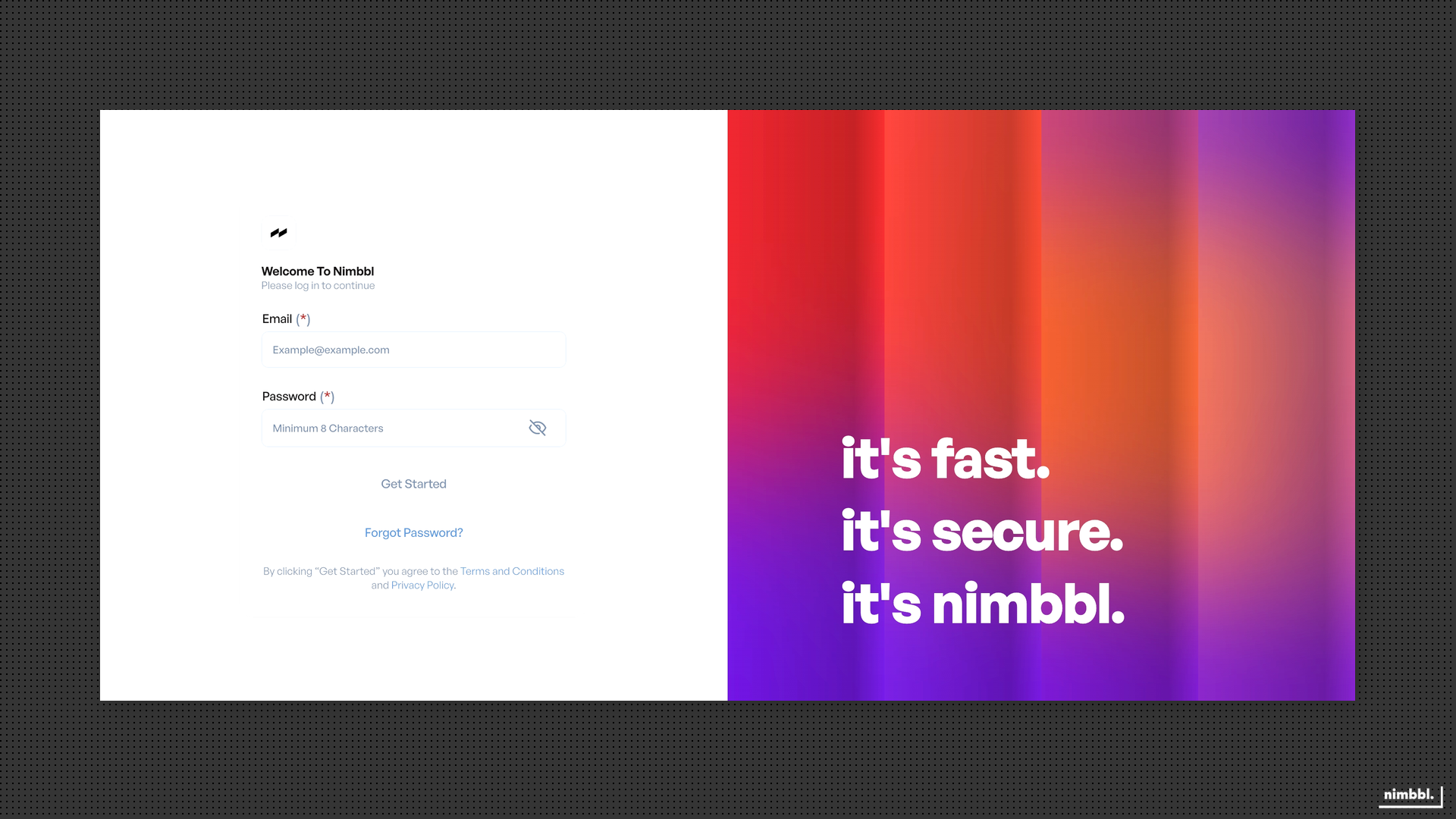 Command Center Login -- enter your email and password, then select Get Started
After You Log In
Once logged in, you can use Search, Create, Files, Manage, and Developer Settings from the main menu. Your session remains active as long as you interact with Command Center.
If you stay inactive for too long, Command Center will redirect you to a Session Expired notification and log you out for security. You can then log in again from the Login page. See Session Expired for details.
Troubleshooting
Wrong Email or Password
Double-check what you entered. Make sure there are no extra spaces. If you are unsure about your password, use Forgot Password to request a reset link.
Password Expired
Your password may expire based on your organization's security policy. Use Forgot Password to generate a new reset link, then complete Set Password to create a new password.
Account Inactive or Deleted
If your account has been deactivated or removed, you cannot log in. Contact your organization admin or Nimbbl support to reactivate your account.