Set Password
Set Password is where you create or update your Command Center password using a link sent to your email. You reach this page in two situations: when setting your password for the first time after being invited to an organization, or after requesting a reset from Forgot Password. The link includes a token that Command Center validates before showing the password fields.
When to Use Set Password
You should use this flow when:
- You received a welcome email with a link to set your initial password.
- You requested a password reset from the Forgot Password page and received a reset email.
- Your organization admin sent you a new password reset link.
Step-by-Step: Set Your Password
- Open the link from the password reset or welcome email in your browser.
- Command Center validates the link. If the link is valid, you see the Set Password page with New Password and Confirm Password fields.
- Enter your new password following the on-screen requirements (minimum length, character requirements).
- Re-enter the password in the confirm field.
- Select Confirm Changes.
- After success, go to the Login page and log in with your email and new password.
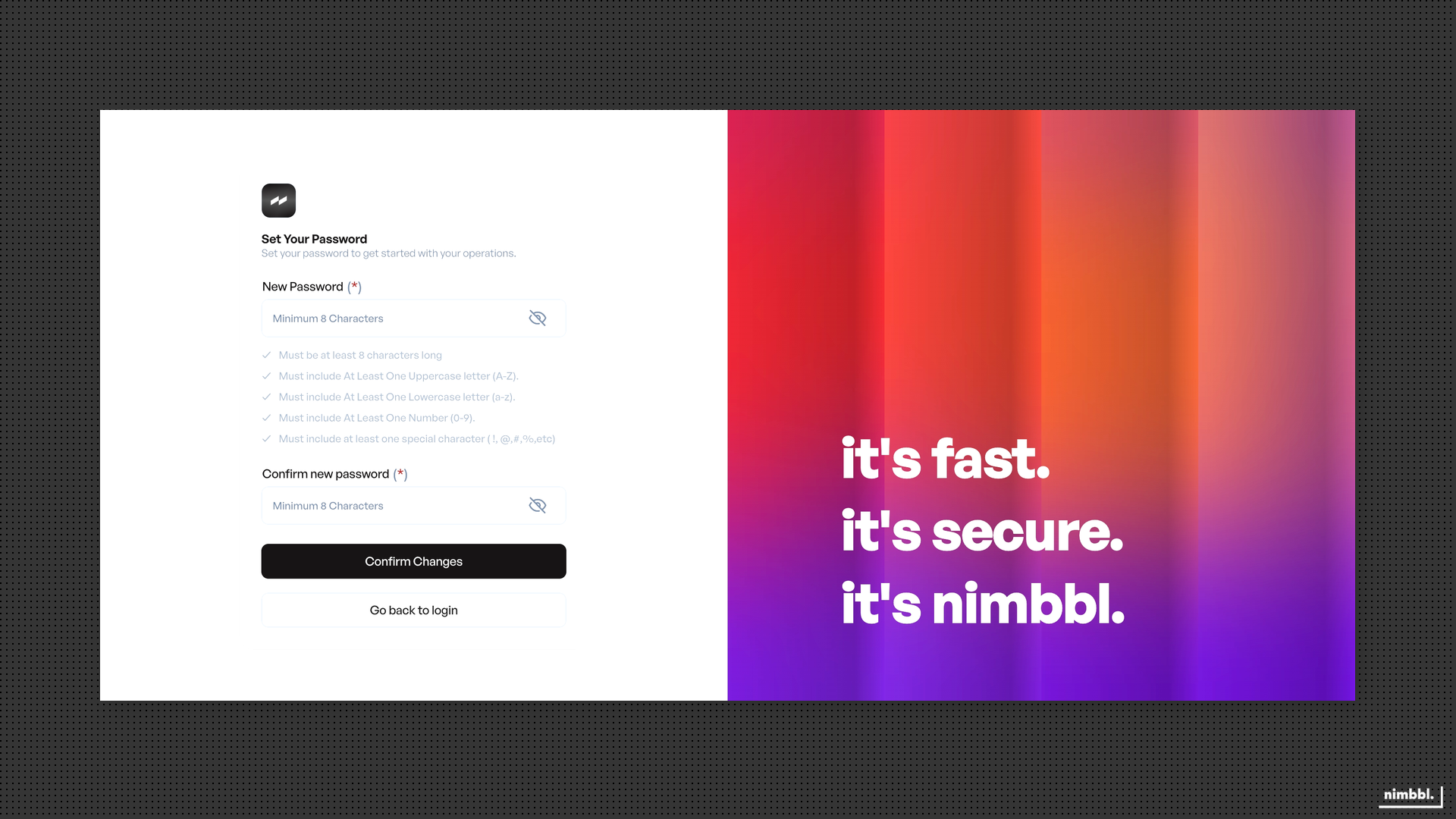 Set Password -- enter and confirm your new password, then select Confirm Changes
Reset links expire after a limited time. If your link has expired, use Forgot Password to request a new one.
Troubleshooting
Link Expired
If you see a "Link Expired" message when opening the link, the reset token is no longer valid. Request a new link from the Forgot Password page and use the new email link promptly.
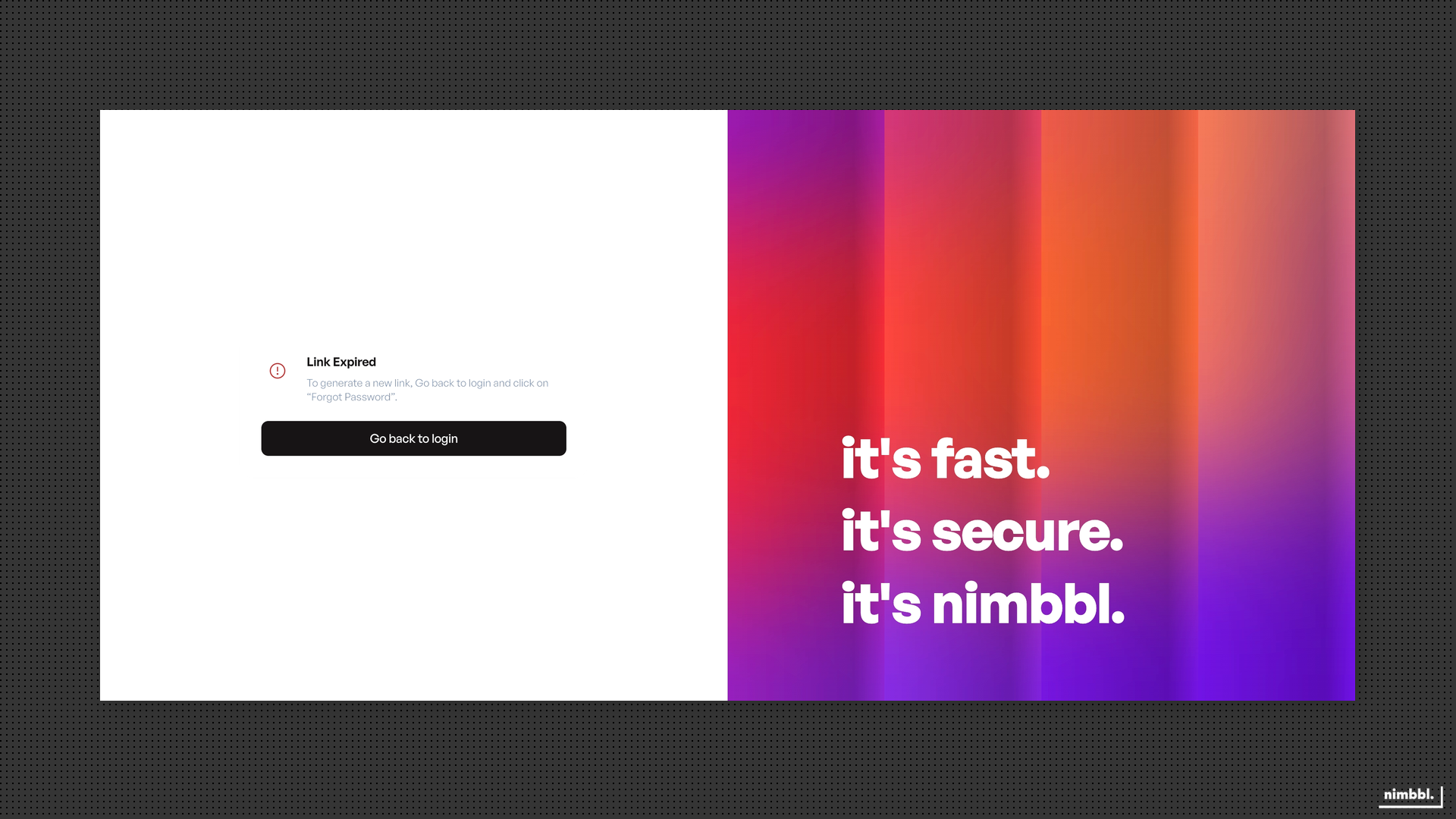 Link expired -- request a new reset link from Forgot Password
Invalid or Broken URL
Ensure you opened the full link from the email without truncating it. Some email clients may break long URLs across lines. If the link was copied incorrectly, request a new one from Forgot Password.
Password Does Not Meet Requirements
Check the on-screen requirements shown below the password field. Your password must meet the minimum length and character requirements displayed. Adjust your password and try again.